The price comparison feed stopped updating after a site migration
Symptoms
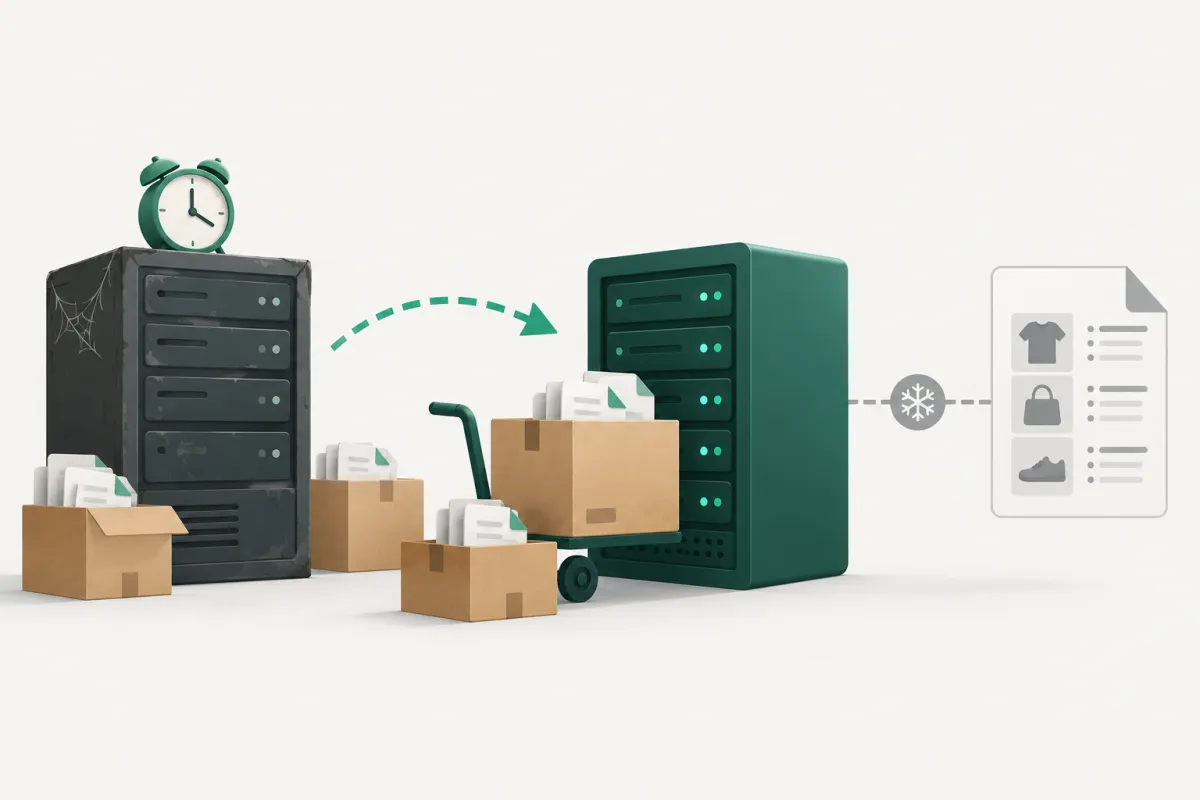
A small online store moved to a new host. The site worked, orders kept coming in, and nobody noticed anything wrong. But the XML feed for a price comparison site was stuck at migration day: the file existed and had the right products, it just hadn't been regenerated for a month. New prices, discounts and products never reached the comparison site.
Environment
WordPress with WooCommerce on shared hosting. The feed comes from a plugin that does not update the file when products are saved. Instead, generation is triggered from outside by calling the plugin's REST endpoint (/wp-json/<plugin>/v1/feed/generate/...).
Diagnosis
- The feed file's last-modified date was the day of the move.
- Prices in a sample of products were correct. Only the more recent changes were missing, so the data wasn't wrong as such and nothing reported an error.
- WP-Cron worked and no WordPress scheduled task was failing. WordPress doesn't schedule the generation at all.
- The plugin's documentation says it needs an external cron hitting its REST endpoint. That cron had been set up in the old host's control panel. It didn't move with the site, because it lives neither in the files nor in the database.
- Calling the endpoint by hand returned
{"result":"done"}in about 0.7 s, and the file was regenerated.
Cause
The scheduled job belonged to the hosting account, not to the site. The migration moved the files and the database, but nobody remembered the jobs in the host's scheduler.
Risks if left untreated
The comparison site keeps showing old prices and products that are out of stock. A customer clicks a discount that no longer applies and leaves annoyed. Comparison sites may penalise or delist a shop for price mismatches. Other scheduled tasks stop just as quietly after a move: backups, cancelling unpaid orders, emails. It usually takes weeks before anyone notices.
Fix
- We regenerated the feed by hand by calling the REST endpoint.
- We added a job to the new host's scheduler that calls the endpoint twice a day.
- We moved empty leftover feed files off the site into a backup.
Verification
After the first scheduled run, the feed file had a new date and its item count matched the published products. We checked again the next day.
Prevention and lessons
Before a migration, write down every job in the old host's scheduler: feeds, backups, stock sync, imports. A site check won't catch this, because nothing breaks. Things just stop updating.
Related services: Crashes and errors Online store and checkout