WordPress migration to new hosting and website takeover
What gets lost most often in a migration is what isn't in the files or the database: scheduled tasks, email settings, hosting-level redirects. A migration is a transplant: I think of these in advance so the new host doesn't reject the site.
What I watch during the transplant
- Files, database and hidden files (.htaccess, .user.ini)
- Scheduled tasks in the old hosting control panel (feeds, backups, imports)
- DNS, email, certificate and redirects
- PHP version and extensions, memory limits
- Orders placed during the move
Taking over a site from another developer
When the previous web admin has left or stopped responding, I go through the site and write down what runs on it, where the weak spots are and what needs to be done right away. You get an overview and access under your own control.
FAQ
Will the site be down during the migration?
Usually not. I prepare the site on the new hosting, test it and only then switch DNS. For online stores I pick the time with the least traffic.
From practice
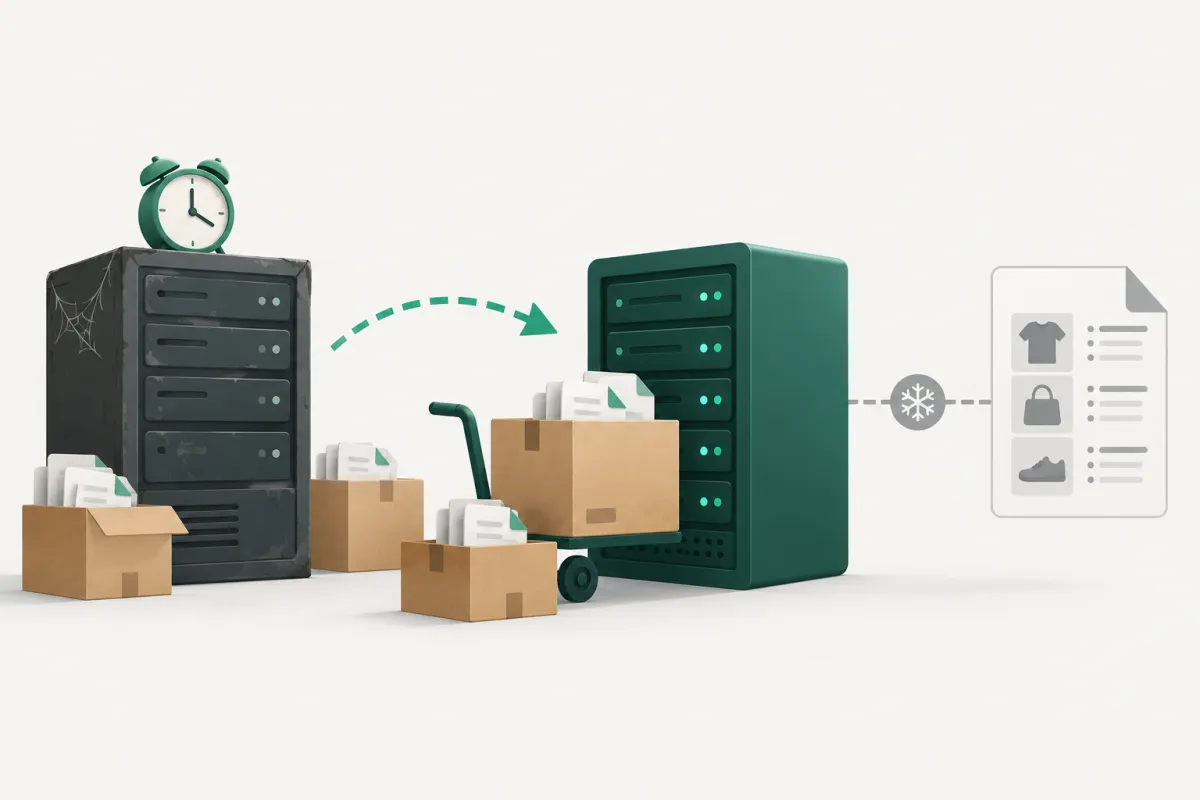
The price comparison feed stopped updating after a site migration
A small online store moved to a new host. The site worked, orders kept coming in, and nobody noticed anything wrong. But the XML feed for a price comparison site was stuck at…