WooCommerce store repair: cart, checkout, payments and feeds
For an online store, every hour of downtime costs money. I find out why customers can't complete their order and verify the fix with a test purchase.
Typical online store problems
- The cart empties itself, the checkout won't load or shows an error
- The payment gateway returns an error or the order stays "pending payment"
- Customers don't receive order confirmations
- The XML feed for Google Shopping or price comparison sites stopped updating
- Errors after updating WooCommerce or checkout plugins
- Badges, prices or discounts display incorrectly, especially on mobile
Safely, without disrupting orders
I never experiment blindly on a live store. First I go through the server and WooCommerce logs and find out who the error actually affects. Sometimes it turns out only bots see the error and customers are fine; sometimes it's the other way round.
I make changes with a backup and outside peak hours. After the fix I go through the whole purchase: product, cart, checkout, payment and the thank-you page.
Feeds and price comparison sites
A feed that quietly stops generating goes unnoticed: the site works, only new prices and products never reach the comparison site. I check when the feed last changed, what triggers it and whether a scheduled job was left behind on the old hosting after a migration.
FAQ
Will you place a test order?
Yes, after every checkout fix I go through a purchase. By agreement I cancel or mark the test order so it doesn't skew your statistics and accounting.
Do you also work with CartFlows, Elementor and other checkout plugins?
Yes. A checkout builder is a common source of errors because it adds its own pages and redirects that only some plugins expect.
Can you keep an eye on the store after the fix?
Yes, with a subscription I monitor availability every 5 minutes and check once a week that a purchase can be completed.
From practice
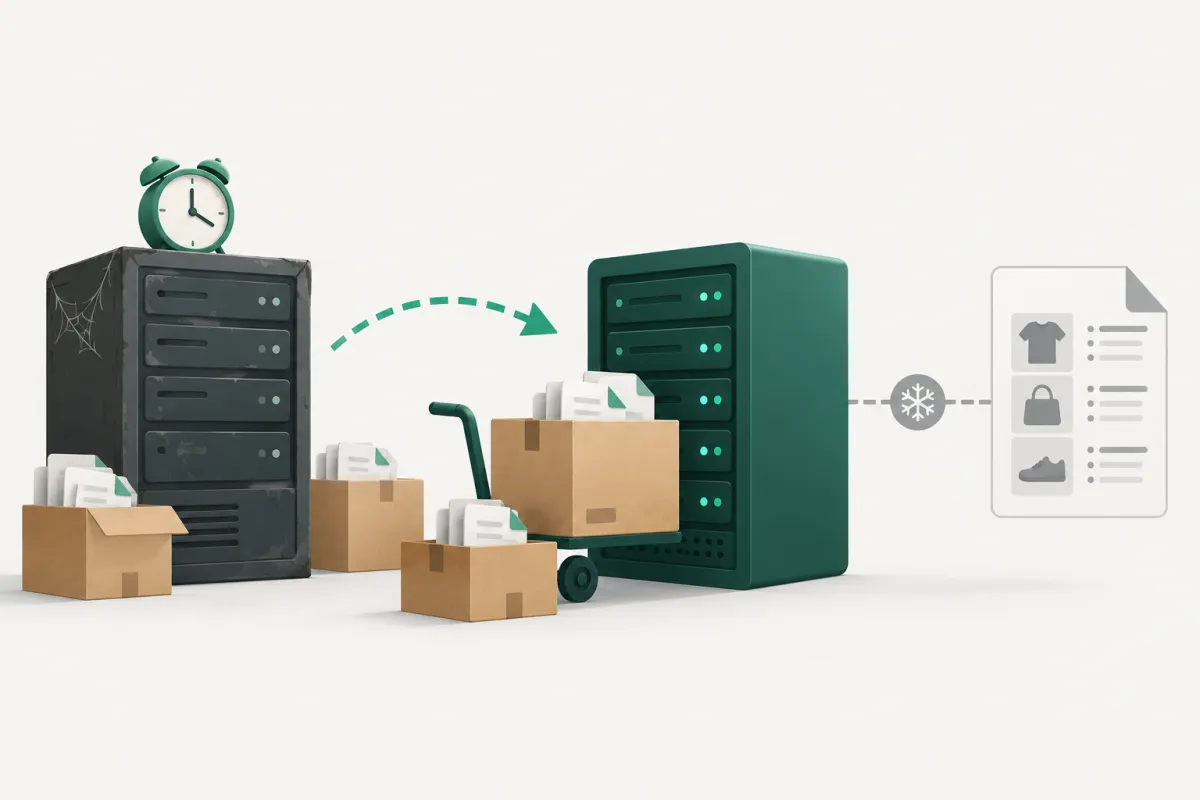
The price comparison feed stopped updating after a site migration
A small online store moved to a new host. The site worked, orders kept coming in, and nobody noticed anything wrong. But the XML feed for a price comparison site was stuck at…

The checkout thank-you page returns HTTP 500, but only to bots
A site check found that the order confirmation page (/step/thank-you/) returns HTTP 500. On a store that looks alarming: customers might see an error right after they pay.

Product badges show through the sticky header on mobile
After we restyled the SALE badges and Wishlist hearts on product photos, the store owner sent a screenshot from their phone. When scrolling, the badge and the heart slid over the…